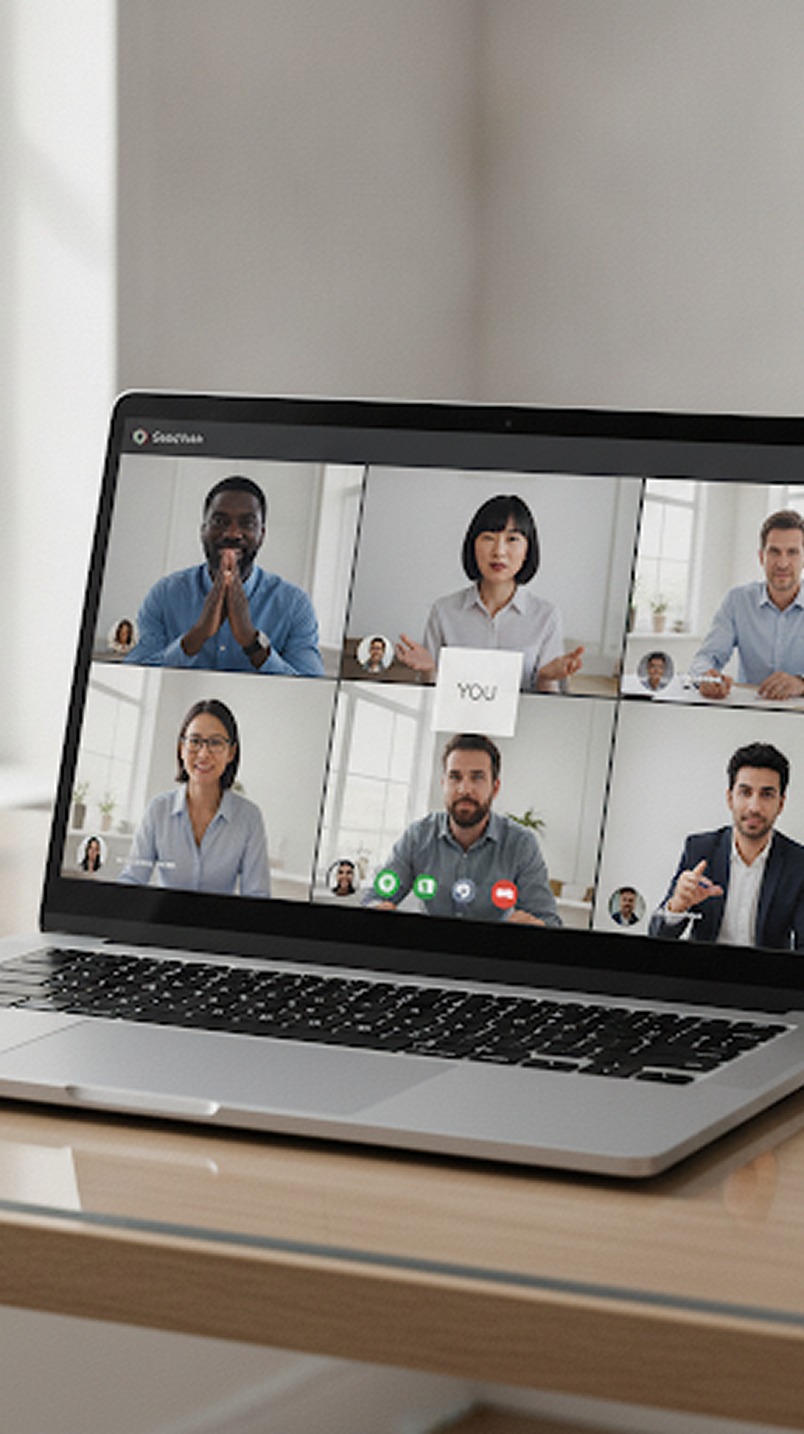
 Video Meeting
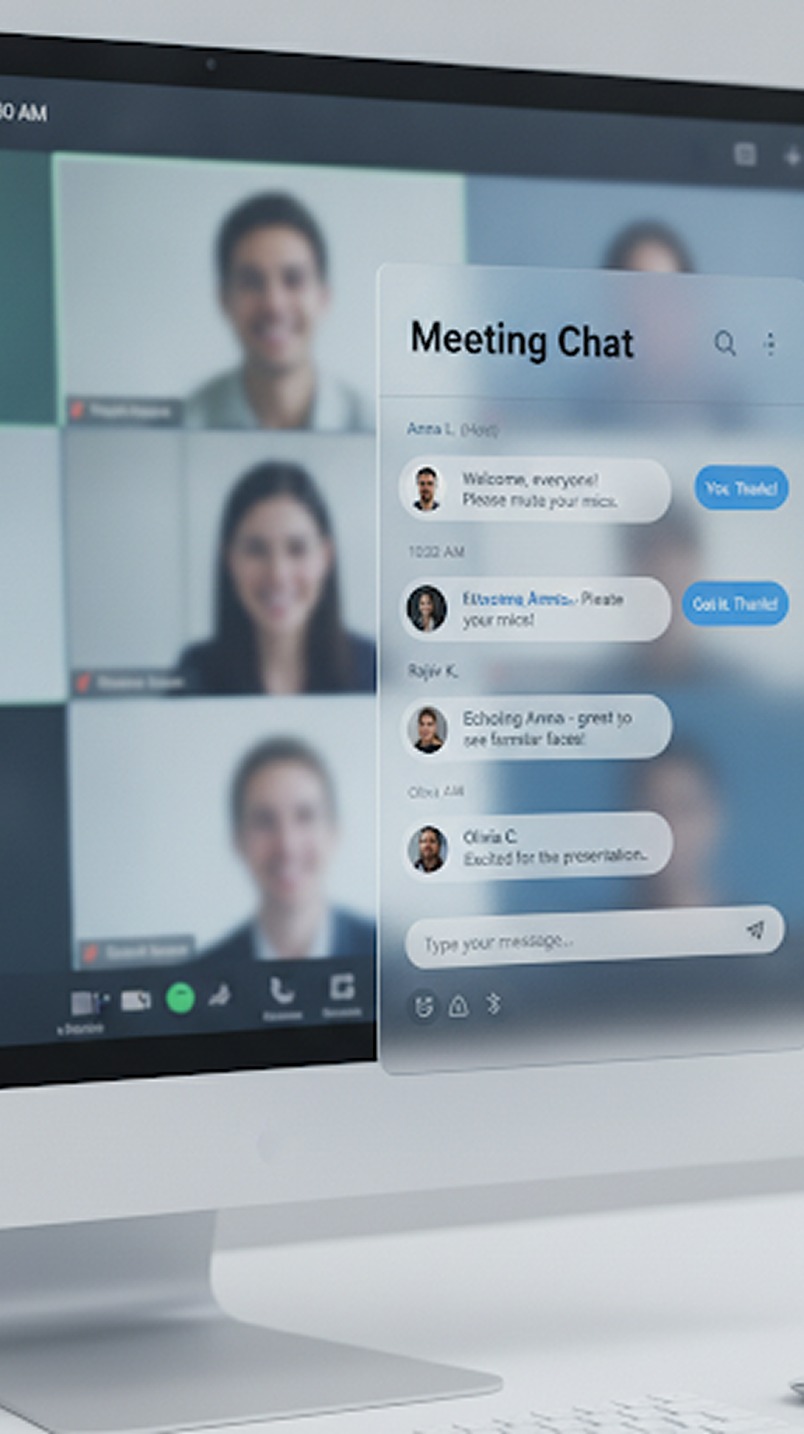 Team Meeting
 Meeting Reschedule
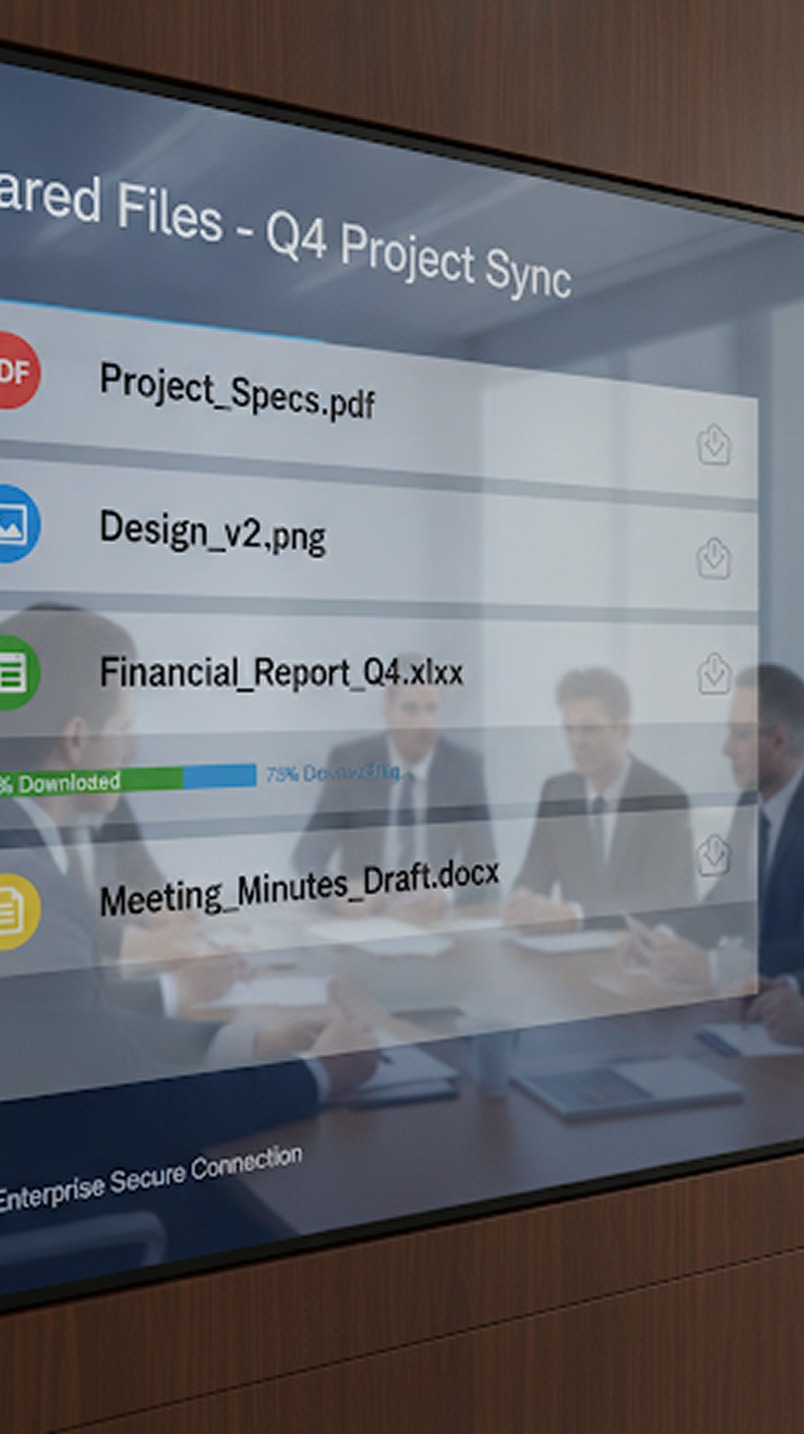 AI Copilot
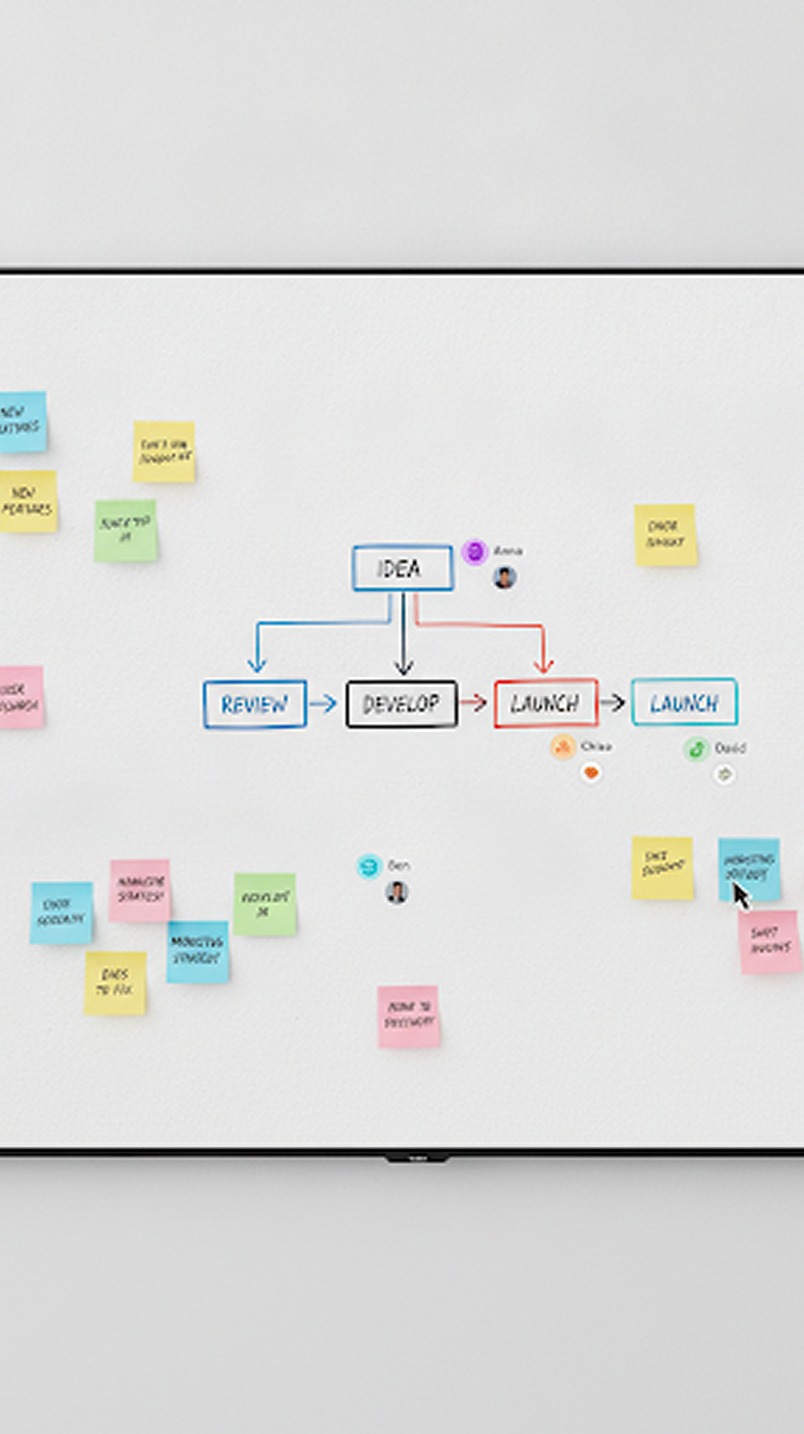 Whiteboard & Tools
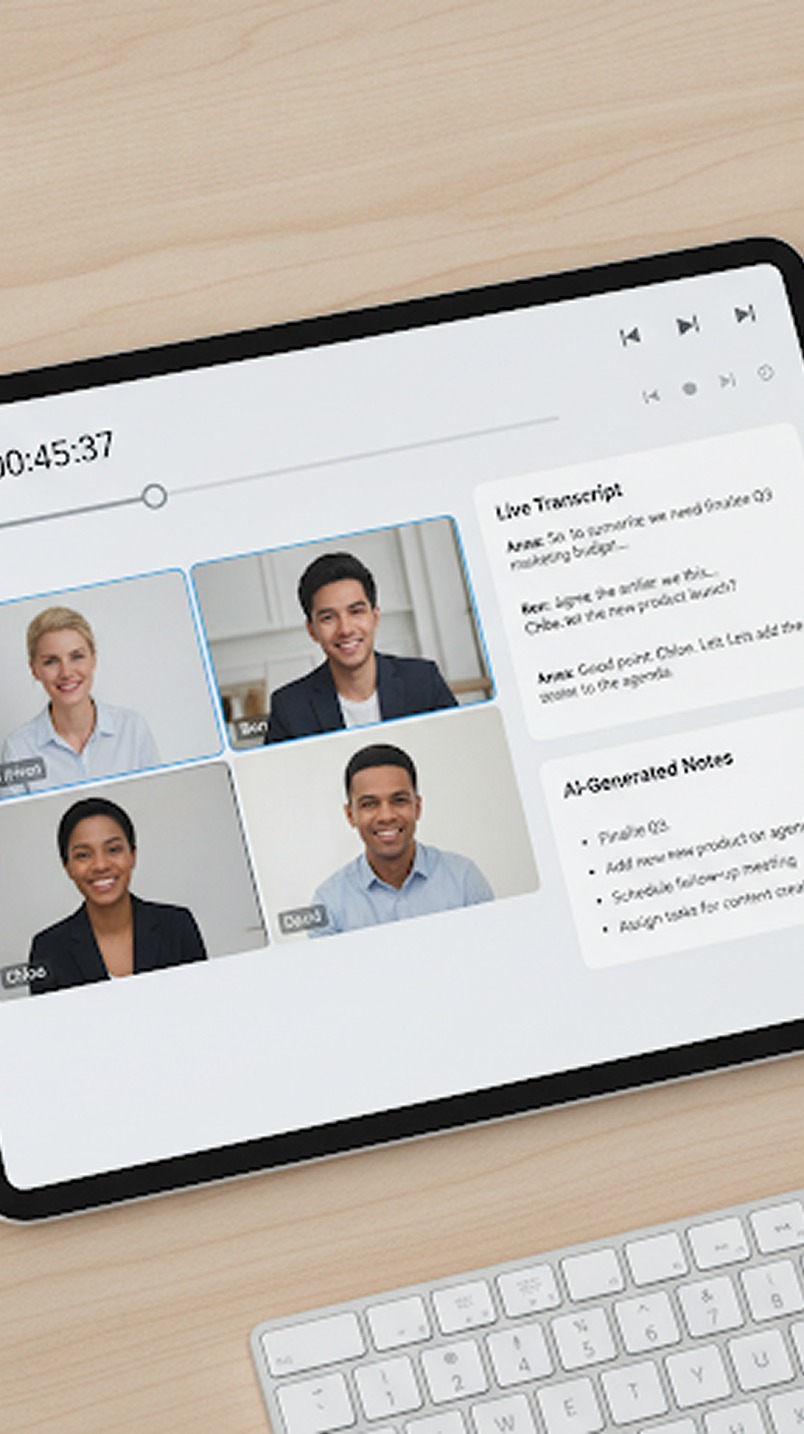 Recording
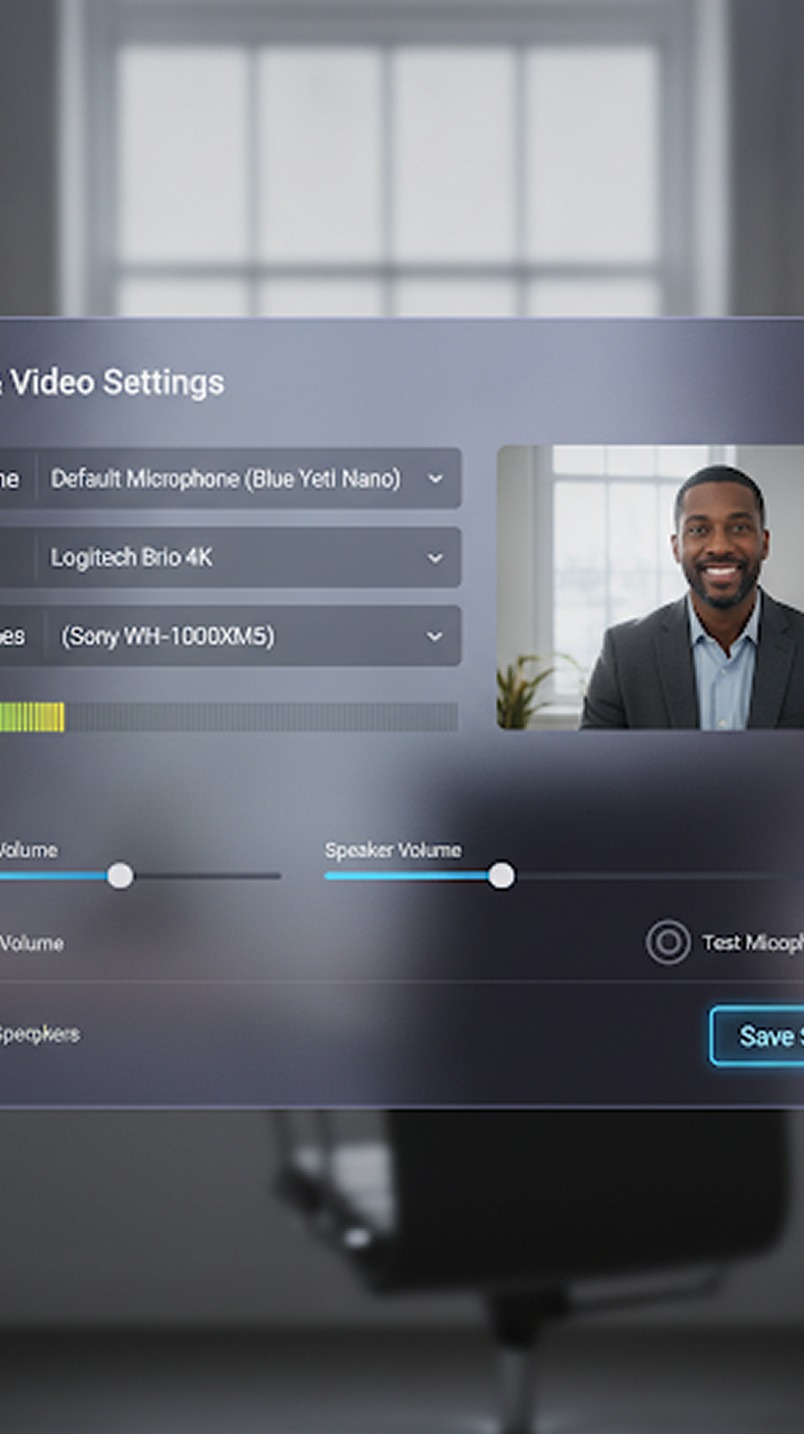 Screen Sharing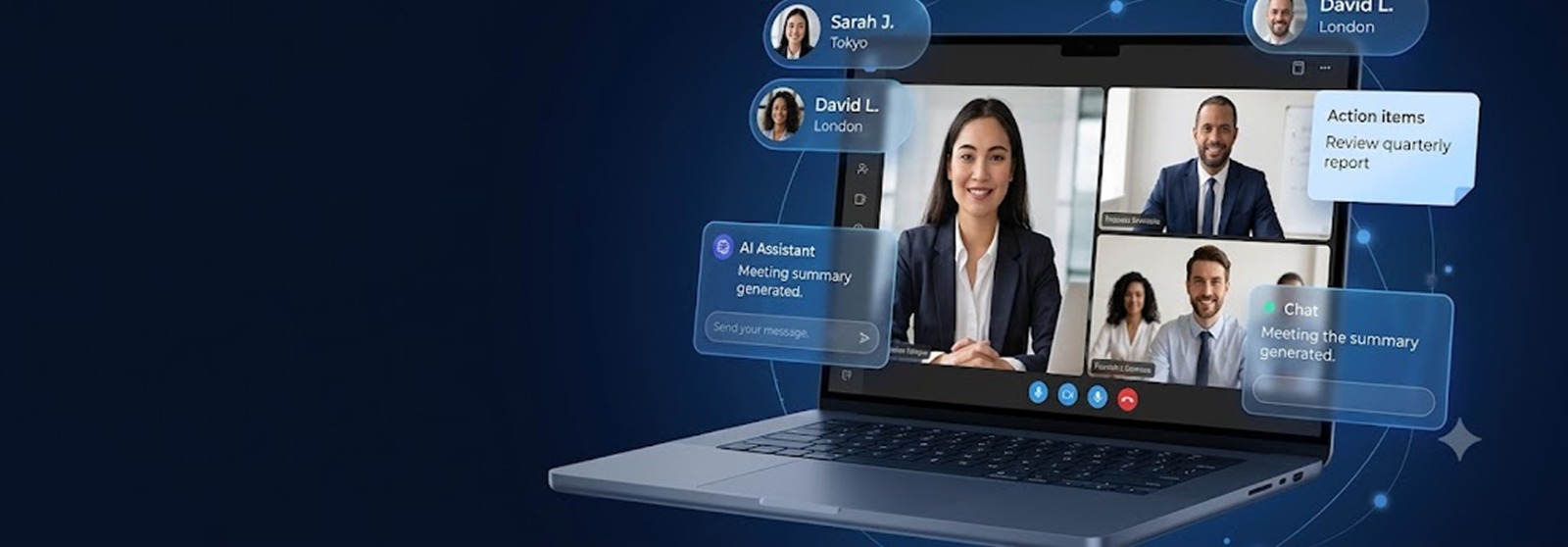
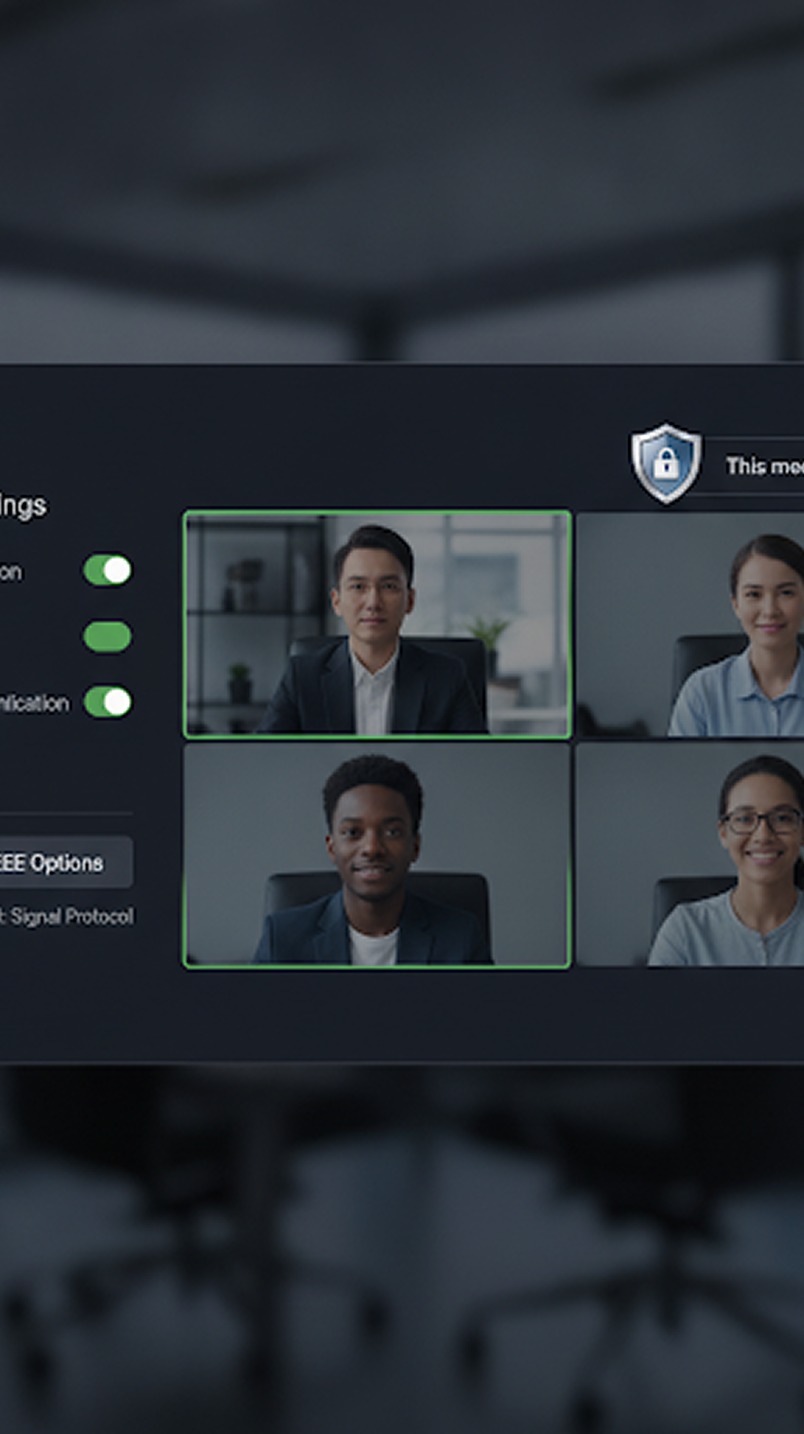 AI Assistant
 Copilot for Gmeet
 Copilot for Zoom
 Copilot for Teams
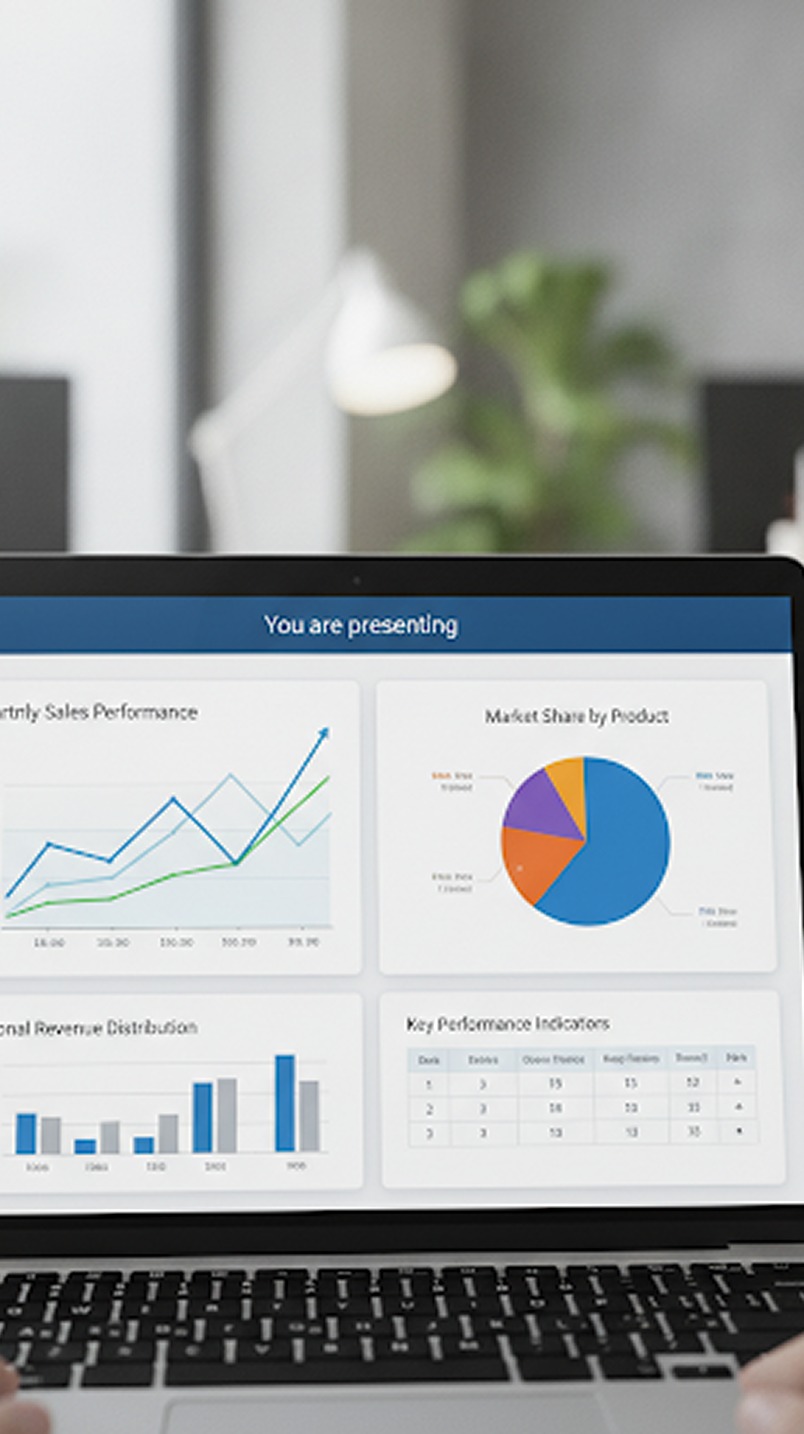
Modern meetings demand more than just face-to-face conversation. Sometimes, you need to show your work. KenMeet's screen sharing engine is custom-built for high-performance teams that need to collaborate on code, review pixel-perfect designs, and deliver compelling presentations without missing a beat or sacrificing performance.
01 Flexible Sharing Options
Every presentation is different. That’s why we give you granular control over exactly what parts of your workspace you broadcast to the room.

- Entire Screen: Perfect for software tutorials where you need to show desktop navigation and switch rapidly between multiple tools.
- Specific Application Window: Share only your IDE, spreadsheet, or slide deck. Even if you drag another app over it, your audience will only see the selected window.
- Single Browser Tab: Present a web app or dashboard cleanly, without exposing your bookmarks, URL bar, or other open tabs. (Includes native tab-audio sharing).
02 High-Resolution Output
There is nothing worse than presenting a complex design or a dense block of code, only for your audience to complain that it's blurry and unreadable.
KenMeet’s rendering engine preserves the fidelity of your screen. We bypass aggressive compression algorithms used by consumer tools and allocate dedicated bandwidth to screen shares, supporting crisp text scaling and up to 4K presentation resolution.
03 Professional Privacy Control
Accidental over-sharing is a major anxiety point for remote professionals. We've built in failsafes so you can present with absolute confidence.
- Instant Pause: Need to look up a password or check a private message? Hit the pause button. The audience sees a frozen frame of your last screen until you resume.
- System Notification Blocking: When sharing a specific window or tab, KenMeet automatically ensures OS-level pop-ups (like Slack messages or emails) are hidden from the viewer feed.
04 Low-Latency Optimization
Presenting dynamically requires your voice to match the visual actions on screen perfectly. "Can you see my screen yet?" should not be part of your meeting vocabulary.
Because KenMeet runs on a globally distributed WebRTC edge network, screen changes are transmitted in milliseconds. When you highlight a line of code or switch a slide, your audience sees it instantly. Audio and visual feeds are tightly synchronized to prevent conversational lag.
05 Simultaneous Viewing Layouts
Presenting shouldn't mean losing the human connection. Too often, screen sharing dominates the UI, hiding the faces of the people you're talking to.

Our dynamic layouts allow participants to pop out the screen share into a separate window (great for dual-monitor setups), or utilize a side-by-side view where the presenter’s video remains large and visible next to their content. You can read the room while they read your slides.
06 Secured by End-to-End Encryption
When you share your screen, you are often broadcasting highly sensitive intellectual property, internal dashboards, or confidential client data.
Just like our video and audio streams, your screen share feed is wrapped in 256-bit AES encryption. It cannot be intercepted or read by intermediaries—not even by KenMeet. Your data remains strictly between you and your invited participants.