 Video Meeting
 Team Meeting
 Meeting Reschedule
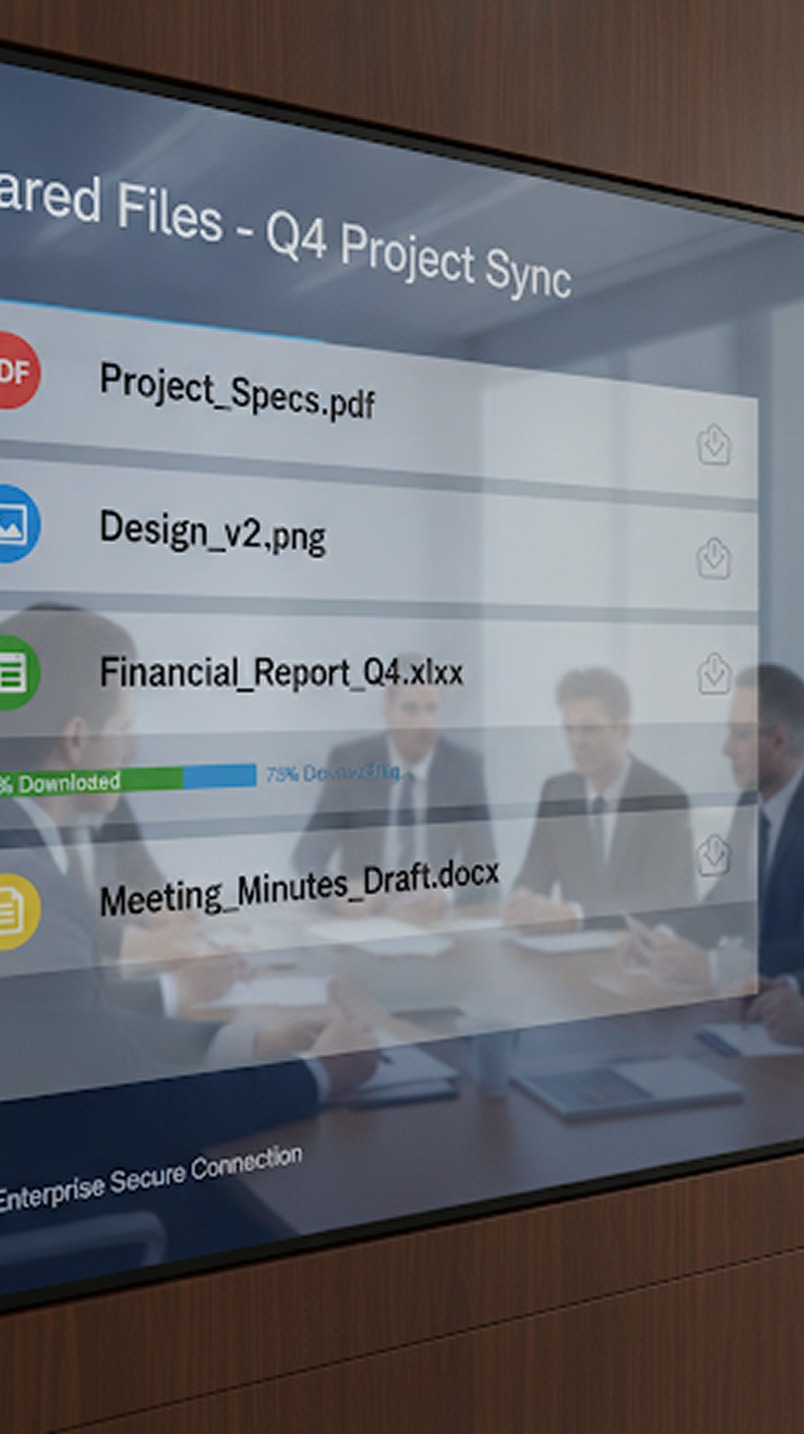 AI Copilot
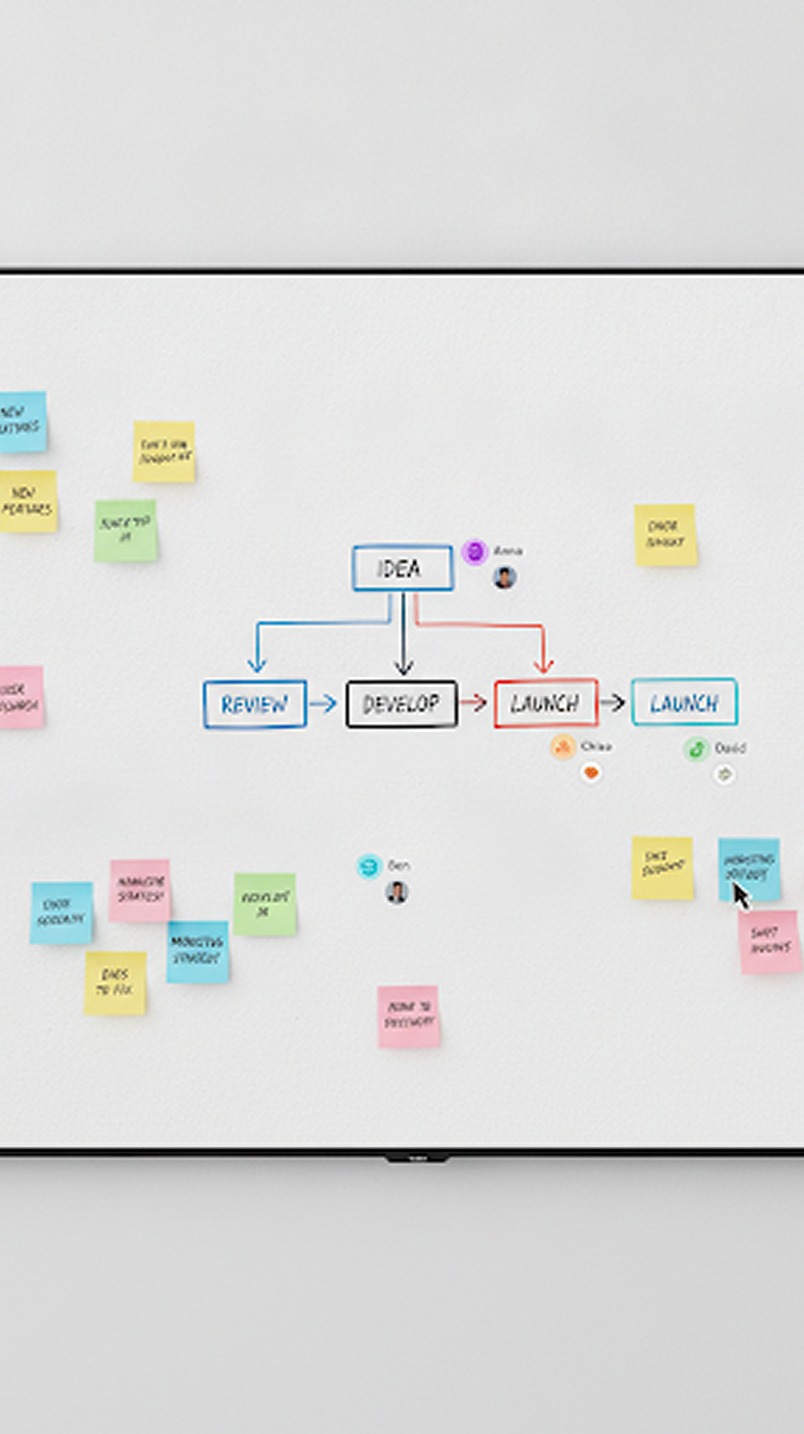 Whiteboard & Tools
 Recording
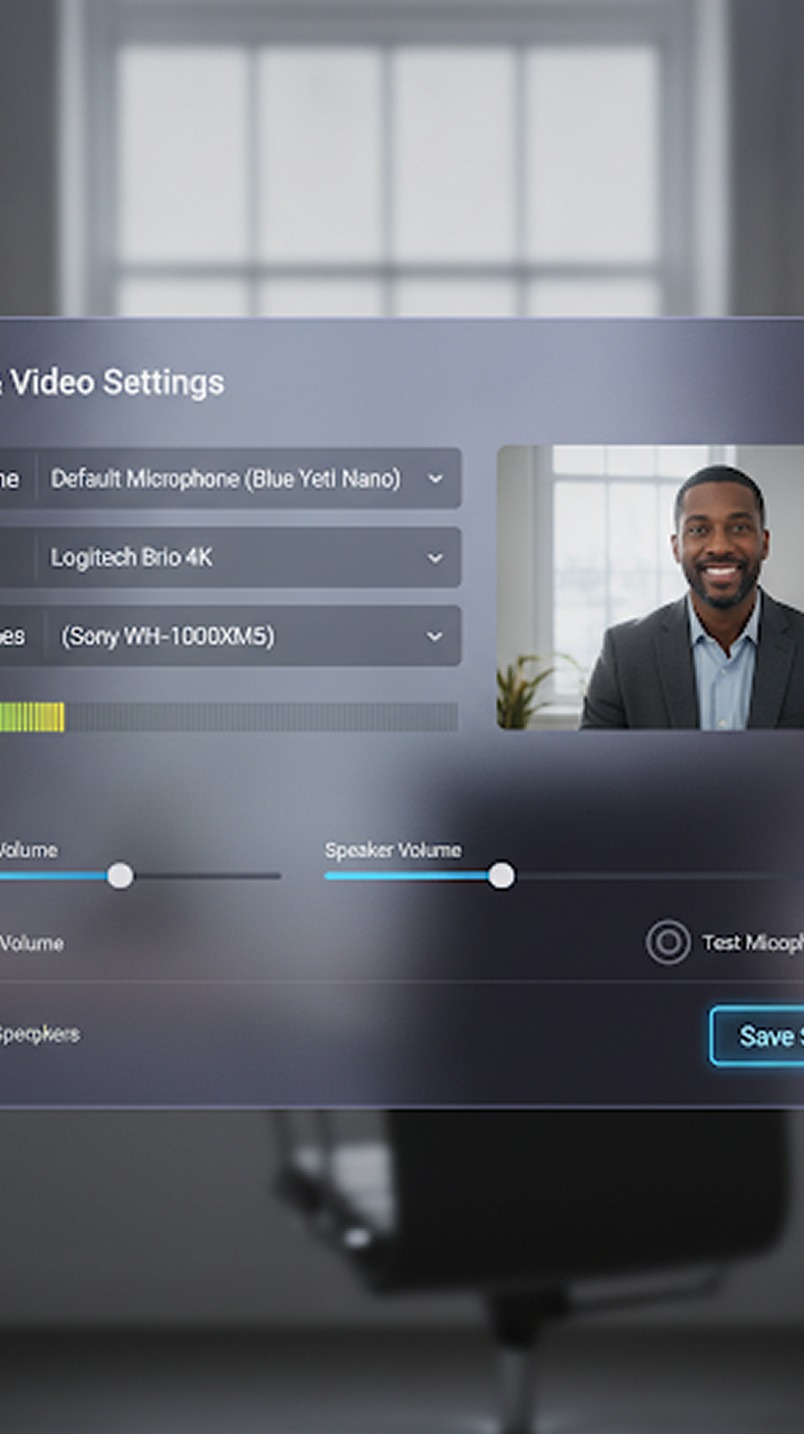 Screen Sharing
 AI Assistant
 Copilot for Gmeet
 Copilot for Zoom
 Copilot for Teams
KenMeet's integrated meeting chat allows participants to share links, notes, references, timestamps, and quick updates without disrupting the flow of discussion. Everything you need is kept within the meeting context.
01 Contextual Discussions
Avoid talking over one another. Use the chat pane to ask questions, provide quick affirmations, or add secondary information while the main presenter maintains their flow.

- Ask questions without interrupting the speaker.
- Provide live feedback and reactions textually.
- Keep side-conversations organized and related to the current topic.
02 Real-Time Resource Sharing
Drop documentation links during a product demo, share meeting notes during a client presentation, or send API references during a technical sync. The moment someone mentions a file, it can be available to everyone instantly via the chat.
03 Public & Private Channels
Sometimes you need to address the whole room, and sometimes you just need to whisper to a colleague. KenMeet supports both.
- Everyone: Broadcast messages to all meeting participants.
- Direct Messages: Send private, encrypted messages to specific individuals for discrete coordination (e.g., "Are we ready to present the pricing slide?").
04 Persistent Chat History
Don't lose those valuable links the second the meeting ends. Chat history remains available throughout the session and can be saved alongside your meeting recordings and Copilot notes.
This ensures that important resources shared textually are just as preserved as the spoken conversation.
05 Rich Text & Media Support
A chat should be as expressive as you are. The KenMeet messaging system supports more than just plain text.
- Format text with bold, italics, and lists for clarity.
- Drop in code snippets with proper syntax highlighting.
- Share image files directly inline without needing external image hosting.
- Use a full suite of emojis to quickly convey tone and agreement.