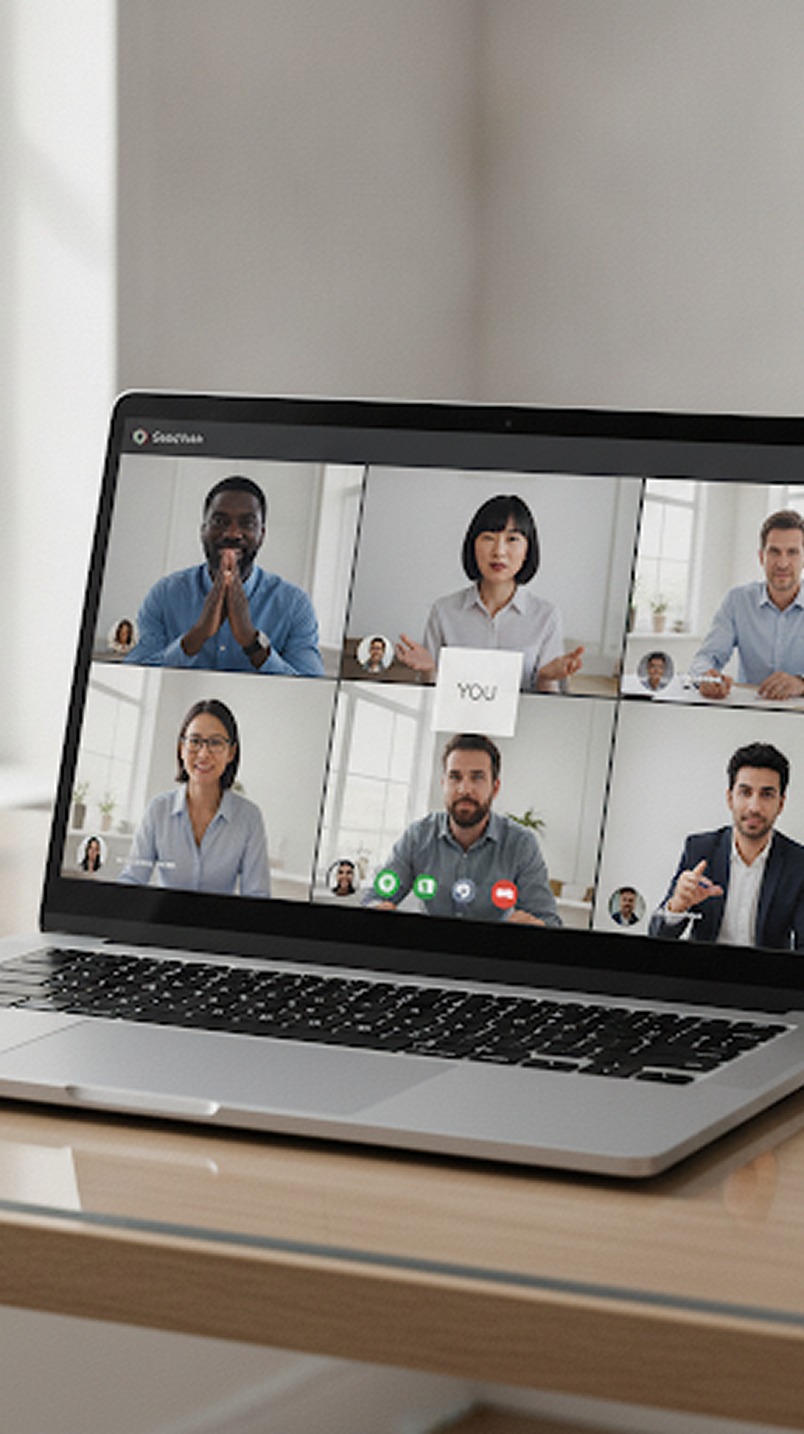
 Video Meeting
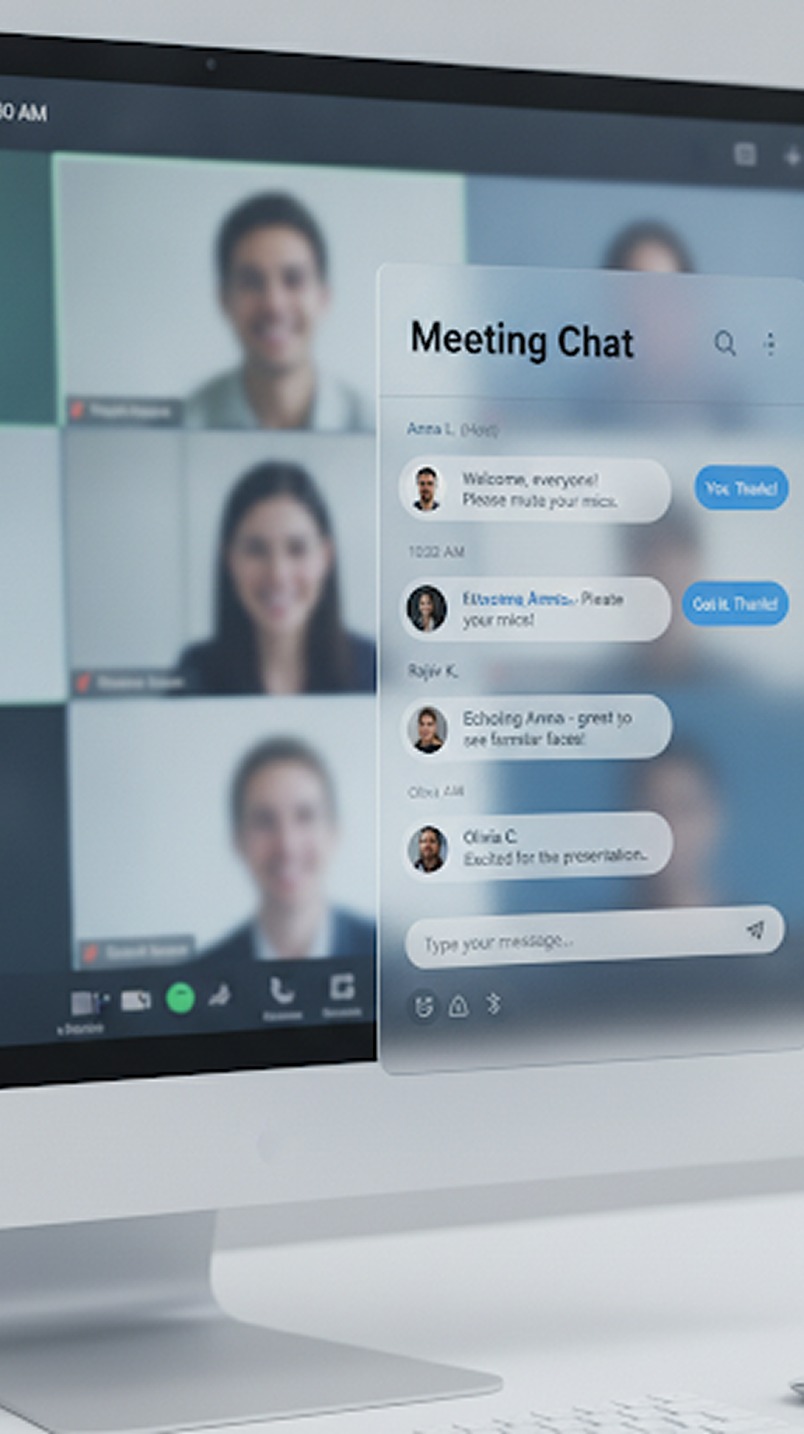 Team Meeting
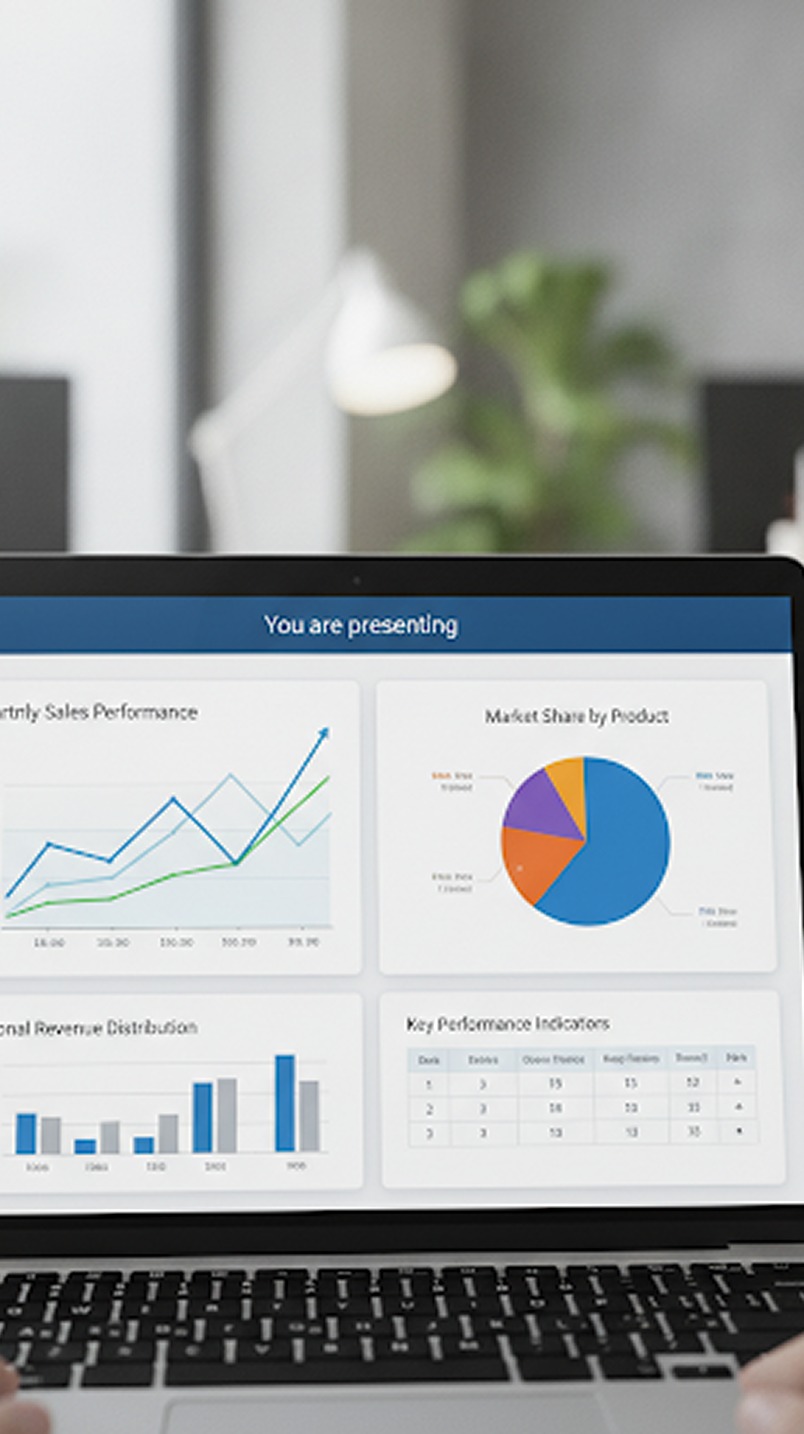 Meeting Reschedule
 AI Copilot
 Whiteboard & Tools
 Recording
 Screen Sharing
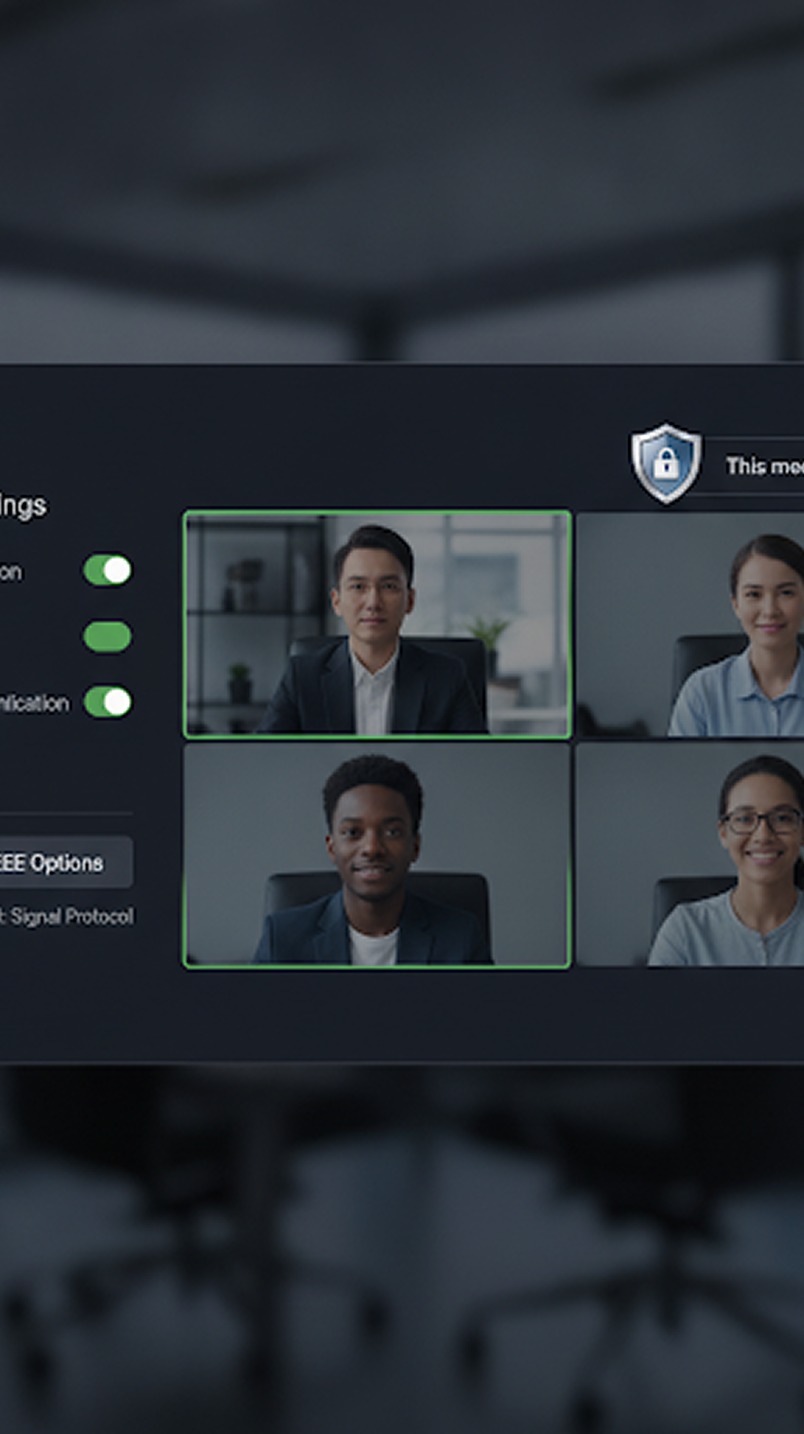 AI Assistant
 Copilot for Gmeet
 Copilot for Zoom
 Copilot for Teams
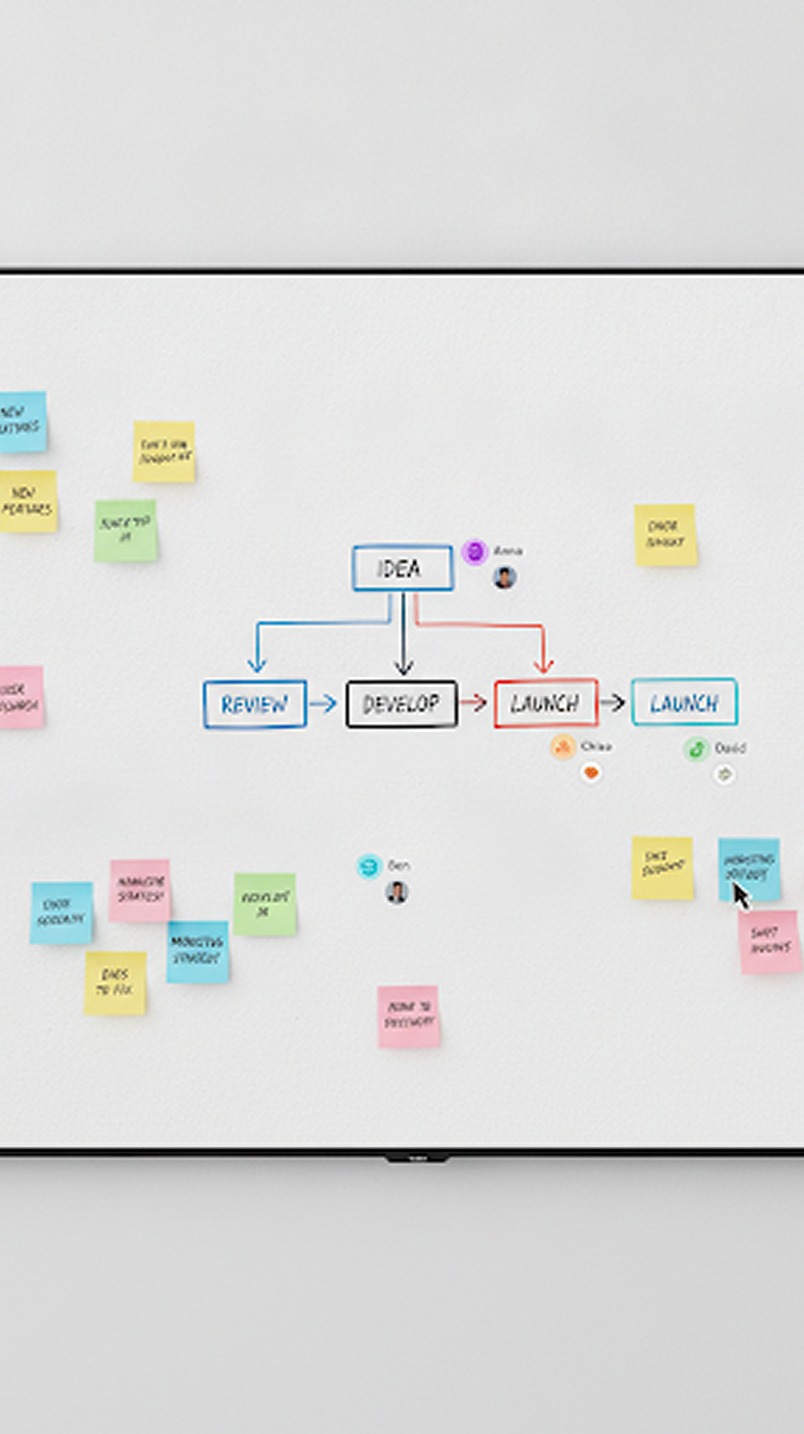
Ideas are easier to understand when everyone can see them. KenMeet's collaborative whiteboard allows participants to draw diagrams, sketch workflows, and explain ideas visually in real time—turning passive conversations into active collaboration.
01 Real-Time Collaboration
Distance shouldn't limit your team's ability to ideate. KenMeet's whiteboard allows multiple participants to contribute simultaneously with near-zero latency.

- See live cursors and typing from your teammates as they happen.
- Multi-user editing ensures nobody has to "take turns" sharing ideas.
- Changes are instantly synchronized across all devices globally.
02 Infinite Canvas & Smart Tools
Don't be constrained by physical boundaries. The digital whiteboard expands infinitely to accommodate even the most complex architectures and mind maps.
Access a full suite of intelligent tools designed specifically for rapid digital creation:
- Smart Pens: Automatically smooth out rough sketches into perfect shapes.
- Sticky Notes: Quickly drop colored text cards to group and organize thoughts.
- Flowchart Elements: Instantly connect boxes and diamonds with responsive arrows that snap to edges.
03 Built for Brainstorming
The whiteboard is the perfect environment for dynamic agile ceremonies, design reviews, and strategic planning sessions. Bring your entire team together onto one screen to visualize the problem space.
04 Live Screen Annotations
The whiteboard doesn't just exist in a vacuum. You can overlay the drawing tools directly on top of active screen shares or uploaded presentations.
If a colleague is presenting a slide deck or sharing a live website, you can use the whiteboard tools to highlight specific UI elements, circle key metrics, or point out bugs without needing to interrupt them.
05 Export & Documentation
The worst part of an in-person whiteboard session is someone having to take a blurry photo of it before it gets erased. KenMeet solves this instantly.
- Export completed boards as high-resolution PNGs or vector PDFs with a single click.
- Save the board state to resume the exact same session in your next recurring meeting.
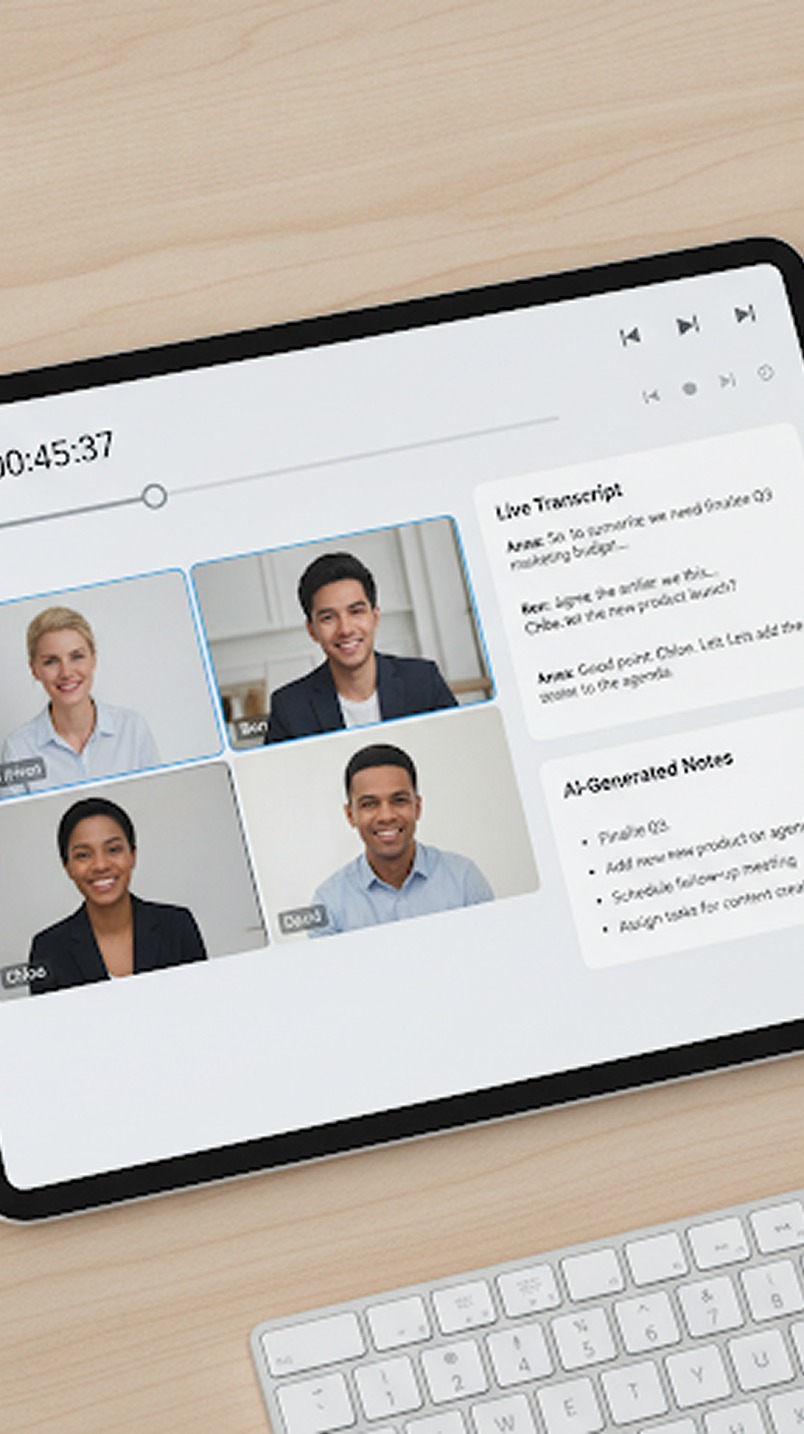
- If you use KenMeet Copilot, the text within your sticky notes and text boxes is automatically indexed and made searchable alongside your meeting transcript.